Upload locally first
Start with the actual room, yard, exterior, or listing photo. It stays on this device until you review the sharing choice in Studio.
Browse style hypotheses for Japandi, mid-century, coastal, organic modern, farmhouse, industrial, art deco, and more.
Best starting point: Interior mode with Japandi. You can change both after upload.
Start with your room · continue in Studio
Users researching styles and wanting a visual way to compare them.
Start with the actual room, yard, exterior, or listing photo. It stays on this device until you review the sharing choice in Studio.
Studio opens with Japandi as the starting style. You can change the room type, colour temperature, and must-keep details.
The free route creates one public watermarked preview after active consent. Private versions and mark-and-refine continue with credits.
Generated examples show the range of interior, staging, and room makeover experiments available on launch.
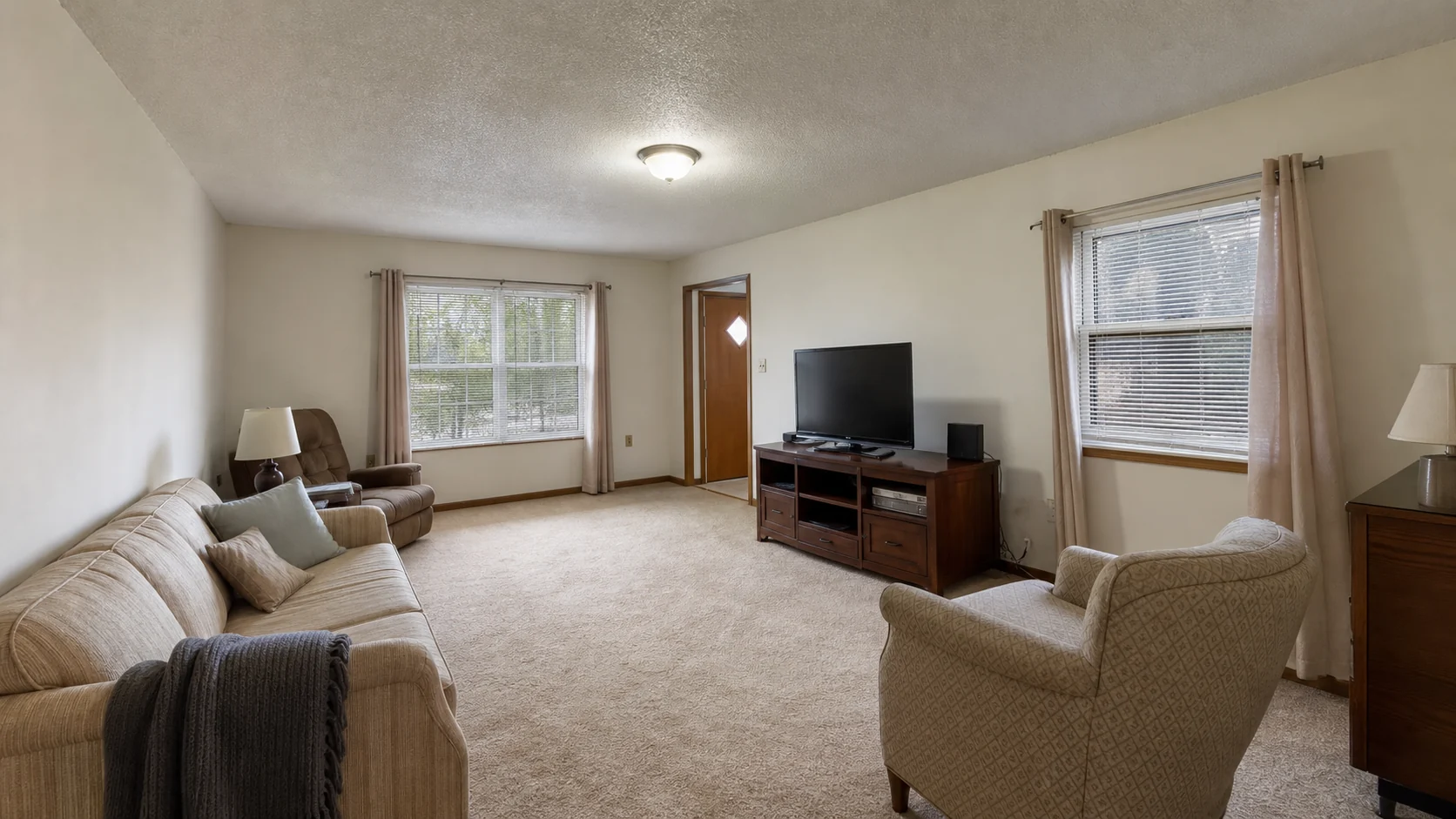
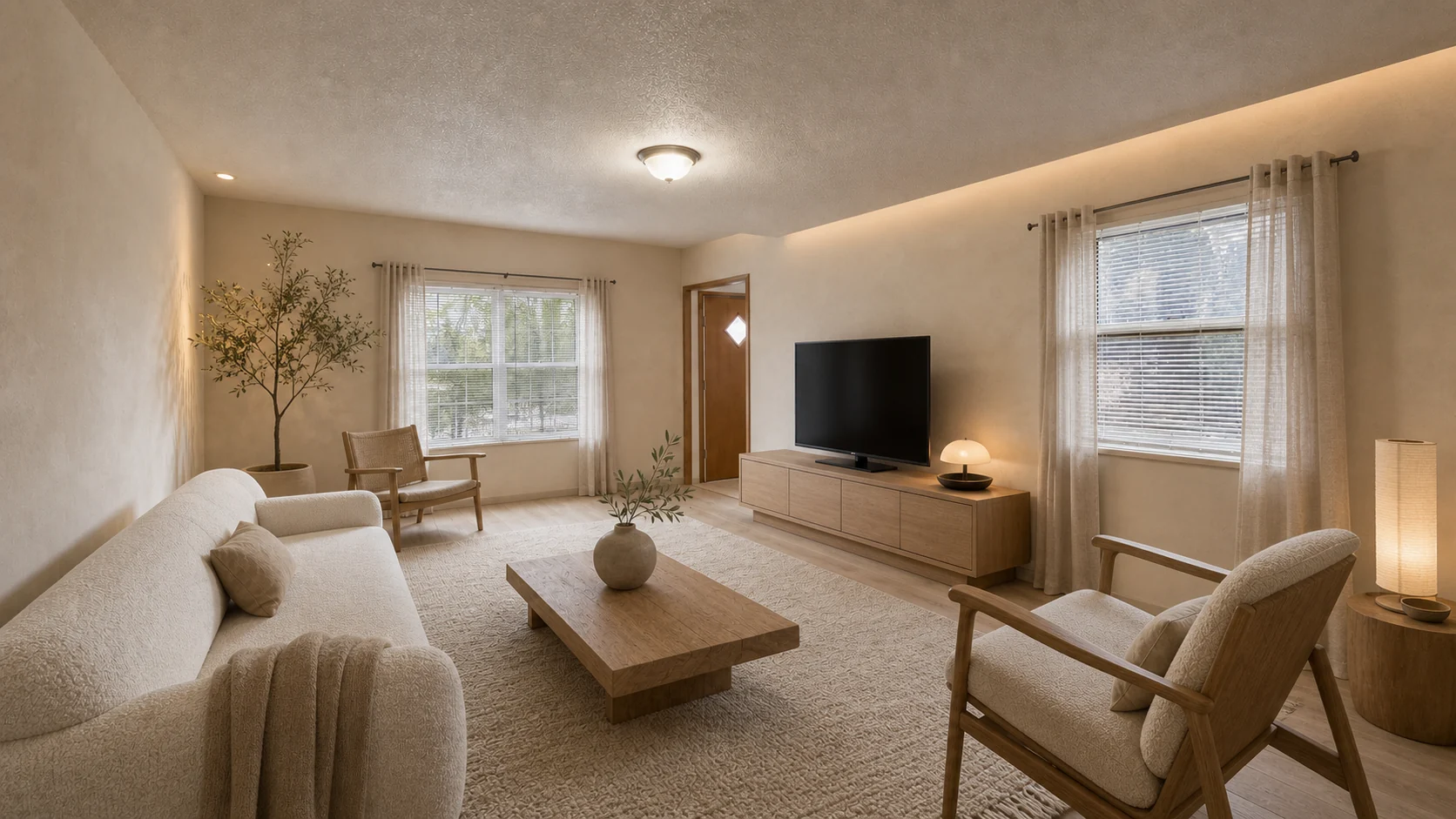
A calm, wood-forward direction that keeps the room readable while changing furniture, color, and mood.
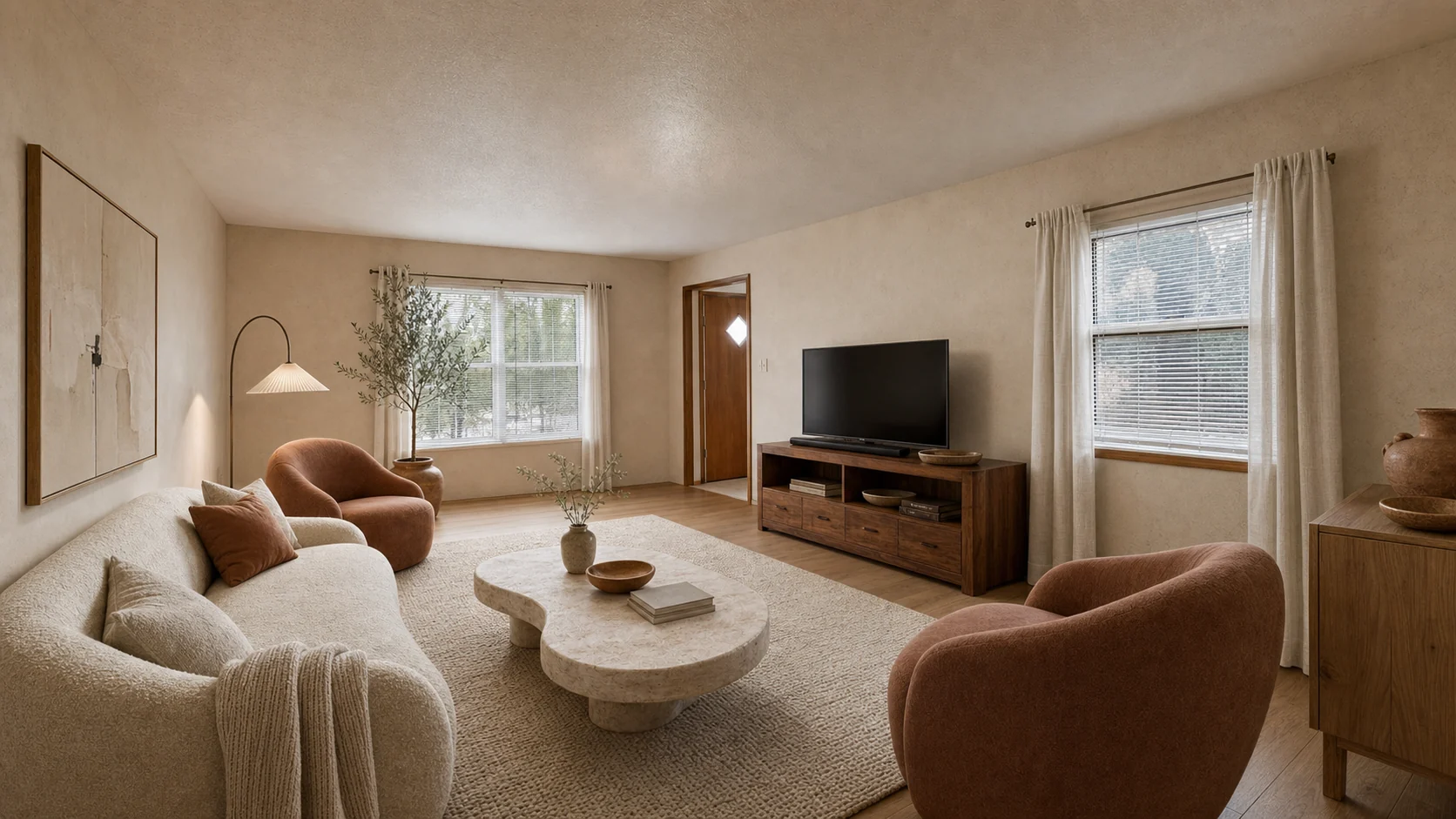
The same anonymous source room tested with plaster, stone, oak, and softer sculptural furniture.
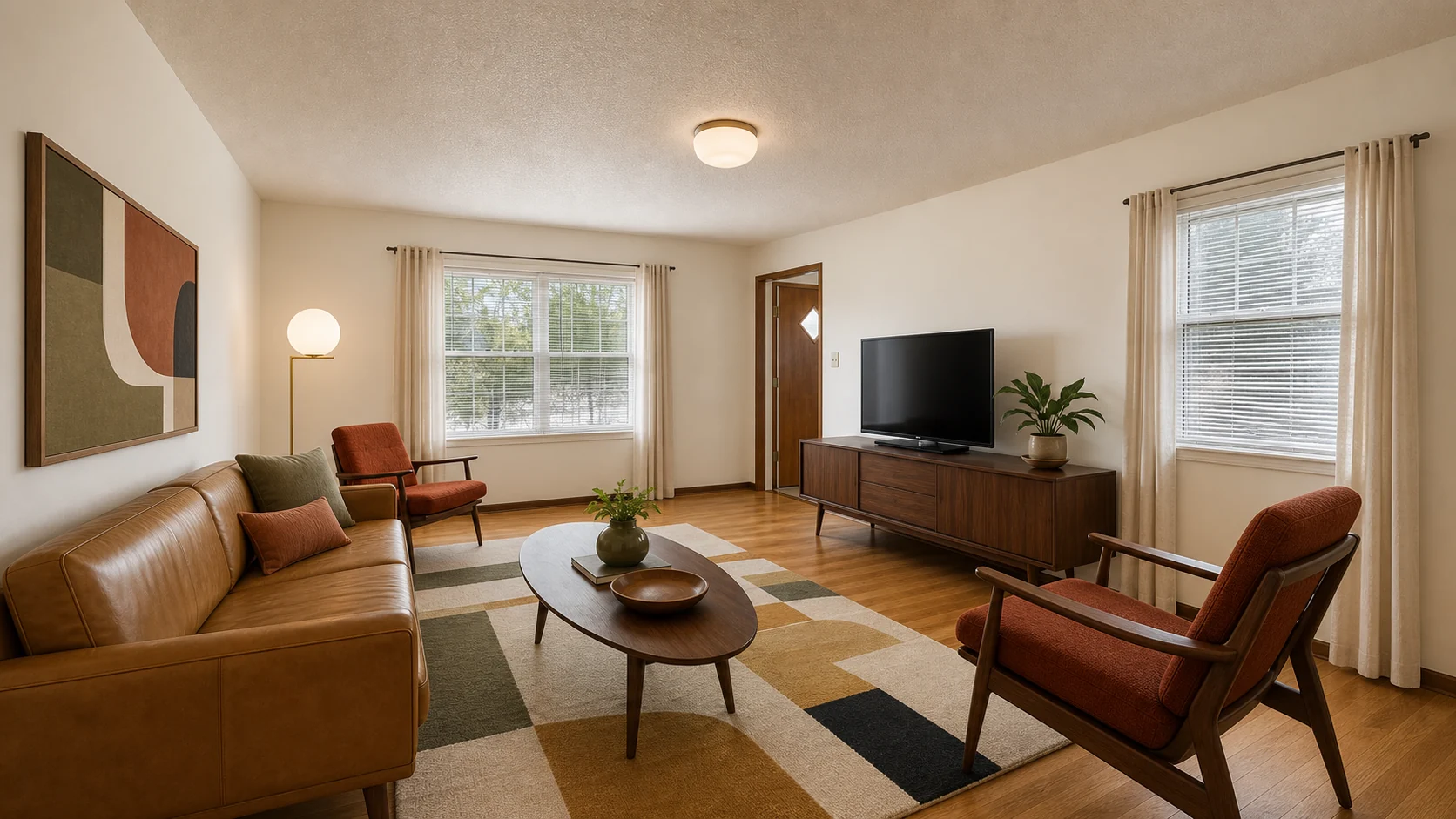
Tests walnut, warmer lamps, and graphic structure on the same anonymous source room.
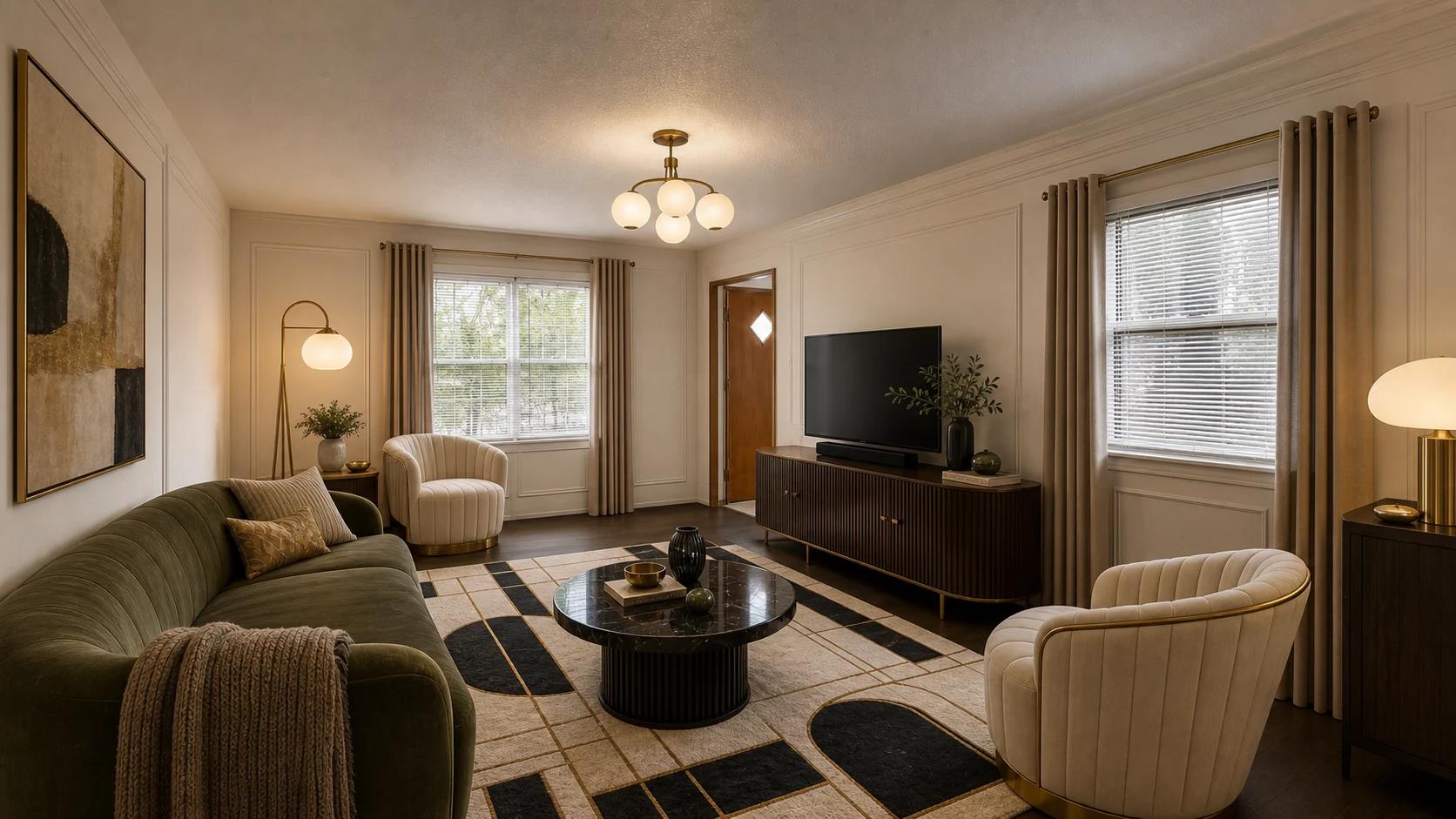
Tests richer contrast, tailored geometry, and brass detail without changing the source viewpoint.
Upload a real room photo, choose a style and what must stay, compare design directions, then mark local changes and create refined versions.
Create one public 1K preview per browser profile without signing in. Explicit consent is required, and the generated result carries a full-frame watermark.
Use AI Interior Lab to test furniture, color, lighting, and material directions before committing to a real room makeover.
Stage vacant listing photos, test buyer-friendly styles, and keep experiments in a notebook for seller review.
Upload an exterior photo and explore paint, trim, entry, porch, and curb appeal ideas without hiring a renderer first.
Generate patio, planting, path, and outdoor seating ideas from a yard or garden photo.
Yes. Each device can create one 1K guest preview without signing in. You must actively agree that the uploaded original and generated result can appear in Recent. The generated result has a permanent full-frame watermark.
The public exchange supports one no-login preview while limiting anonymous abuse. Consent is never selected in advance. If you want the photo and result to stay private, sign in and use Credits instead.
The generated result is covered across the full frame with diagonal lines and repeated AI Interior Lab Preview text. It is applied to the saved image, so hiding a browser layer does not remove it.
Yes. Use Remove from Recent on the same device that created the preview. Other visitors can report a design for review, but they cannot directly remove work that is not theirs.
One Credit creates one new candidate or one refined version. You see the exact cost before starting. New purchases are one-time packs, Credits do not expire, and failed provider requests restore the spent Credit.