Upload locally first
Start with the actual room, yard, exterior, or listing photo. It stays on this device while you sign in, then opens in your private Studio.
Generate bedroom layout ideas from your own photo. Test bed placement, traffic flow, lighting, and color direction side by side instead of guessing from generic mood boards.
Best starting point: Interior mode with Scandinavian. You can change both after upload.
Start with your room · continue in Studio
Users planning a bedroom refresh who need visual layout options before deciding the direction.
Start with the actual room, yard, exterior, or listing photo. It stays on this device while you sign in, then opens in your private Studio.
Studio opens with Scandinavian as the starting style. You can change the room type, colour temperature, and must-keep details.
Example results are free to view. Creating from your own photo needs a Google sign-in: new accounts get 5 free credits, and more credits come from one-time packs. Mark-and-refine versions use credits too.
Generated examples show the range of interior, staging, and room makeover experiments available on launch.
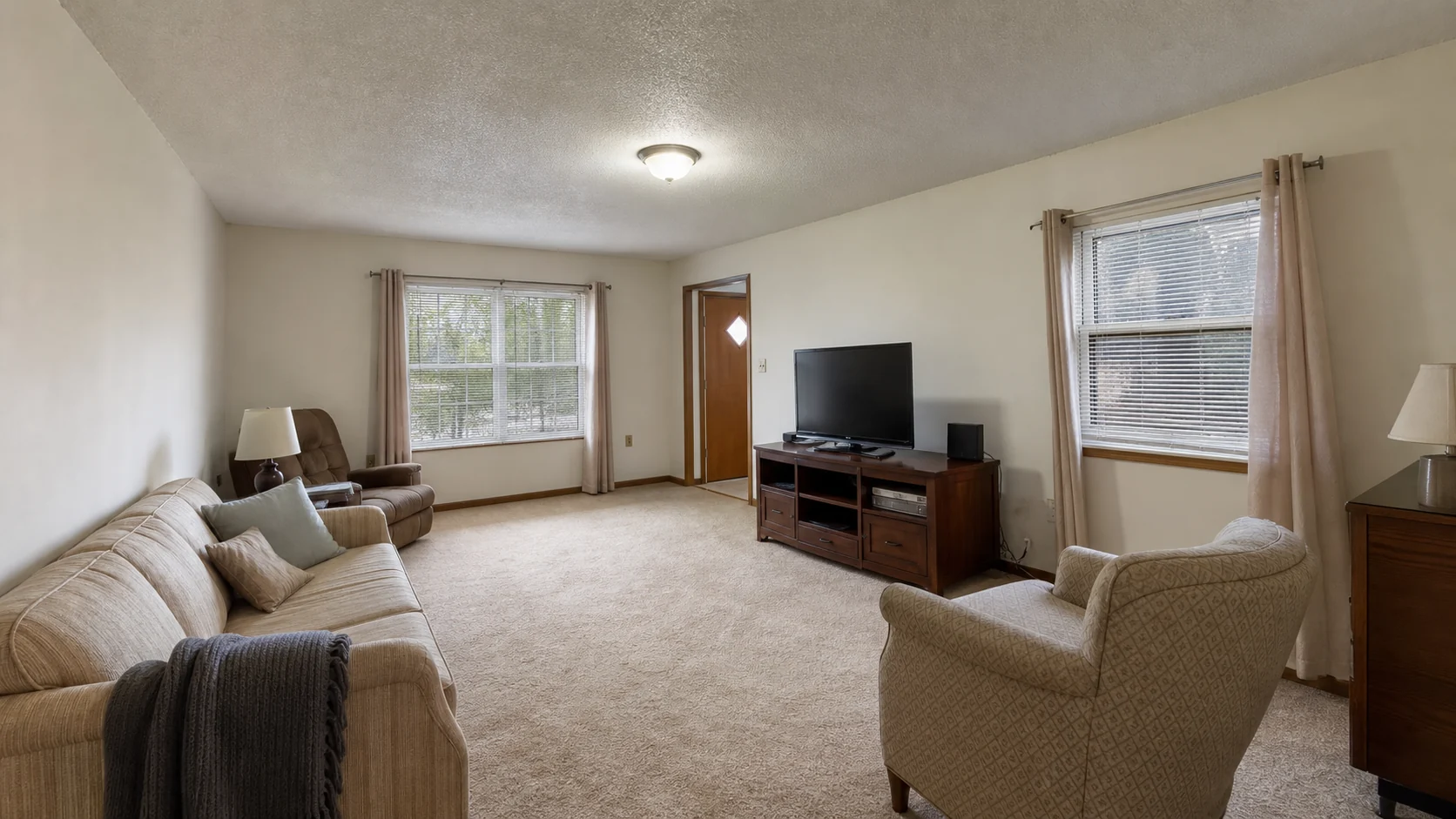
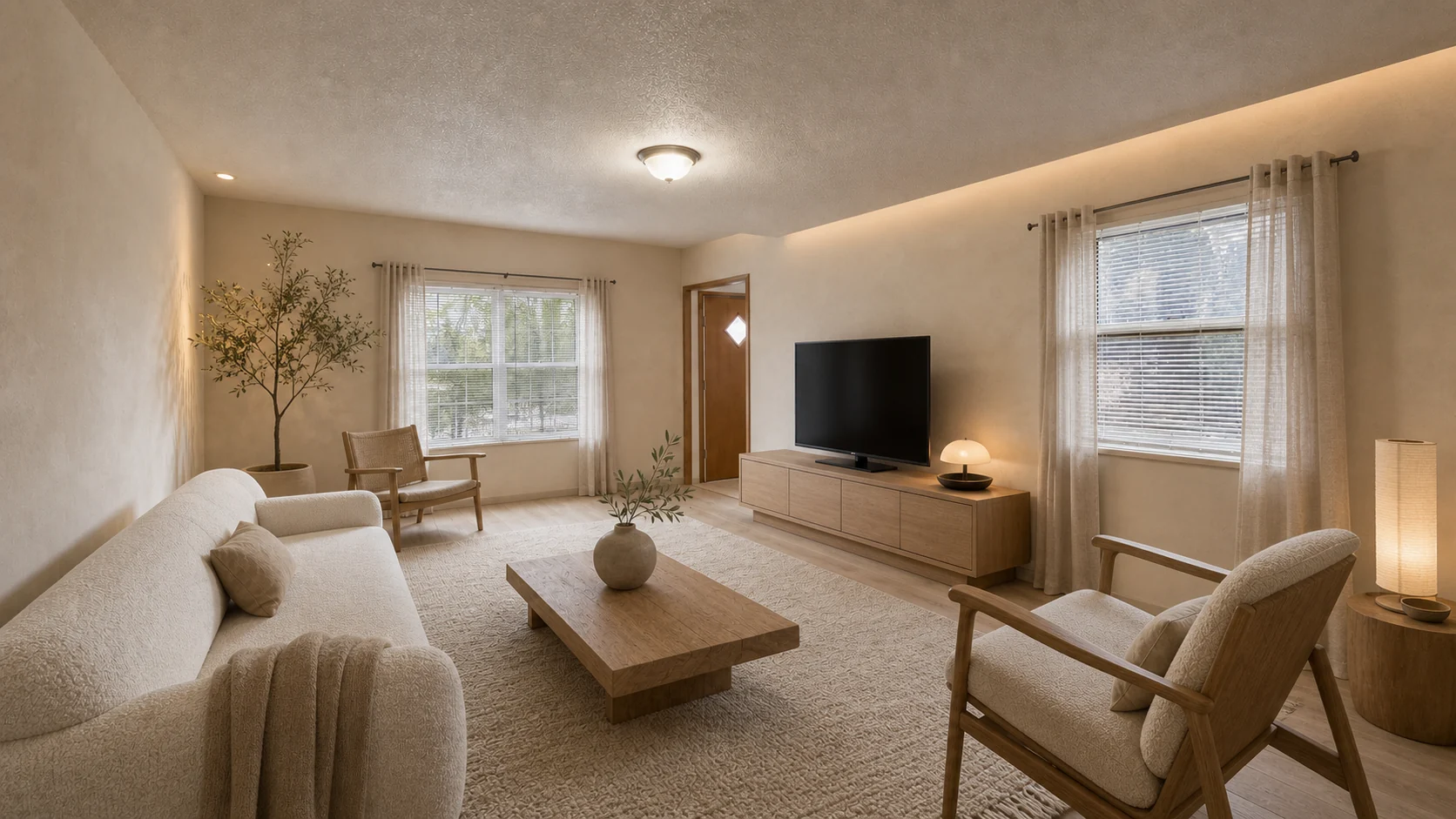
A calm, wood-forward direction that keeps the room readable while changing furniture, color, and mood.
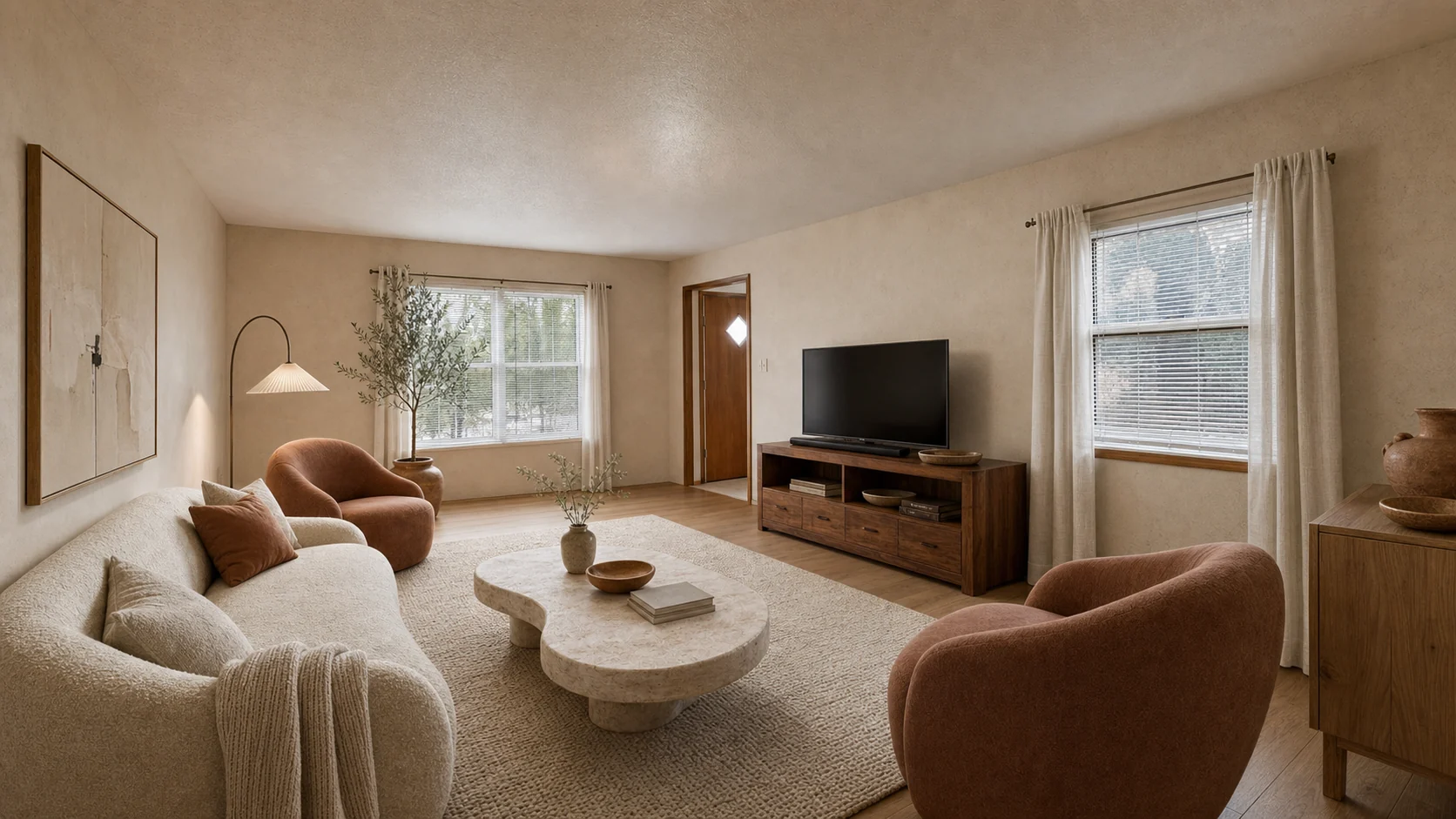
The same anonymous source room tested with plaster, stone, oak, and softer sculptural furniture.
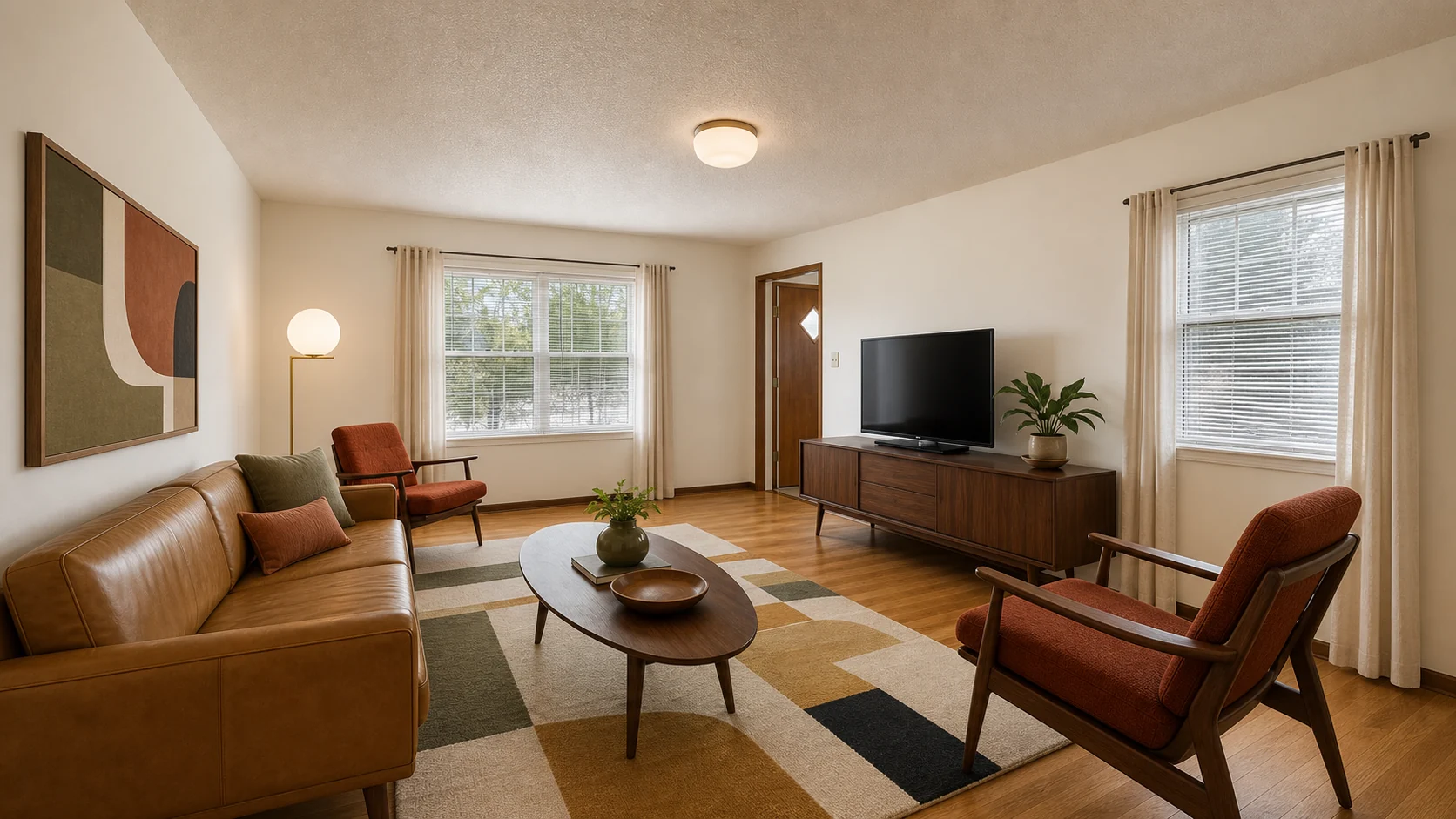
Tests walnut, warmer lamps, and graphic structure on the same anonymous source room.
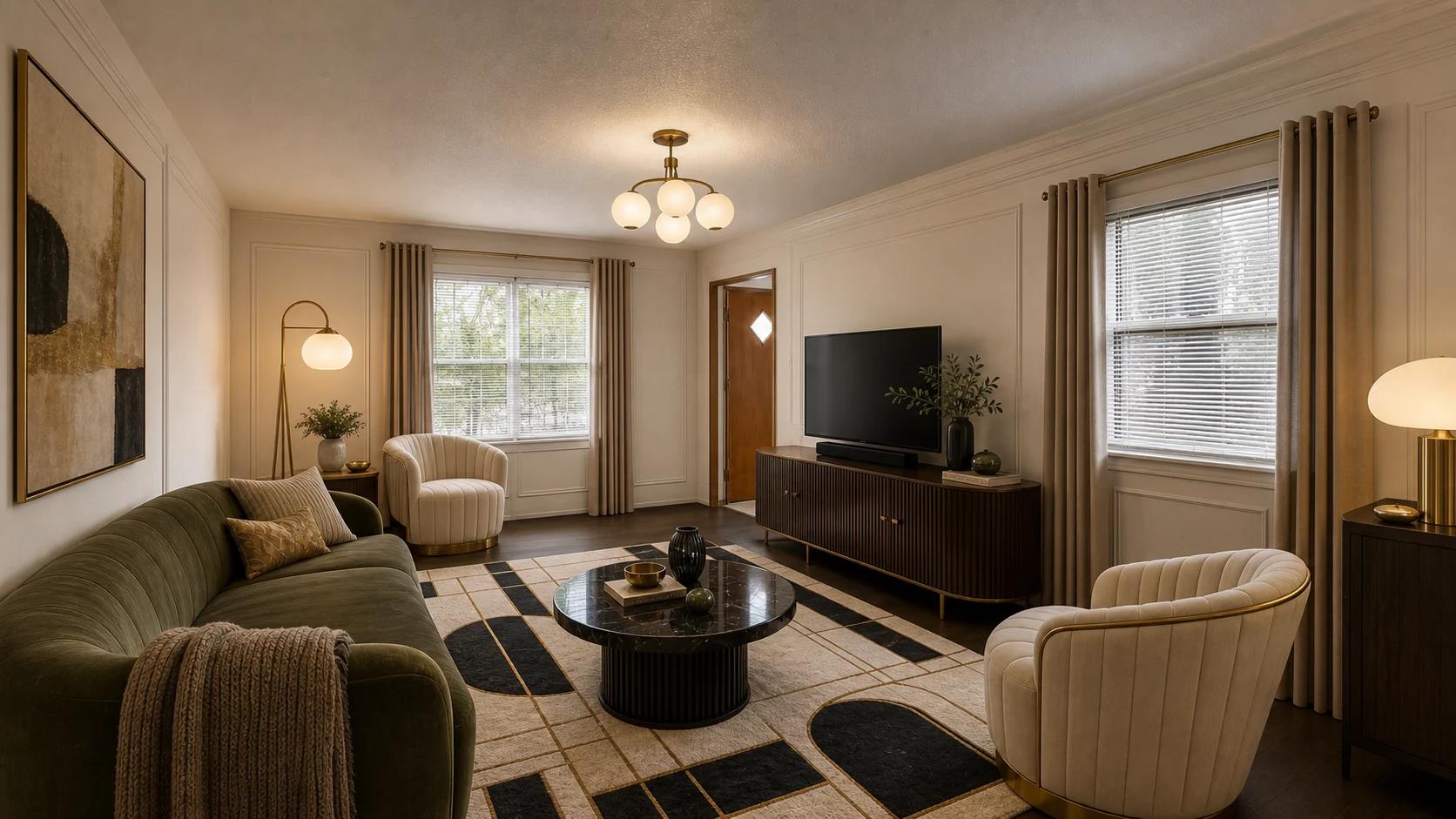
Tests richer contrast, tailored geometry, and brass detail without changing the source viewpoint.
Upload your bedroom photo and compare AI-generated style directions before making real design decisions.
Test a japandi direction on your own bedroom photo, compare versions, mark local changes, and keep the useful direction in your notebook.
Test a scandinavian direction on your own bedroom photo, compare versions, mark local changes, and keep the useful direction in your notebook.
Test a wabi-sabi direction on your own bedroom photo, compare versions, mark local changes, and keep the useful direction in your notebook.
AI bedroom design from one photo. Compare Japandi, Scandinavian, modern, and organic-modern directions before buying bedding, paint, or lighting.
Run living room layout experiments from a single photo. Compare seating, lighting, and palette directions, then keep the useful ones in a lab notebook to share with a partner, designer, or contractor.
You can look at finished example results in Studio for free, with no upload. Creating a design from your own photo needs a Google sign-in; new accounts get 5 free credits, and more credits come from one-time packs. Signed-in projects are private by default.
Yes. Designs on the website are created after you sign in with Google. Your photo and brief stay on your device while you sign in and then open in your private Studio. No-login previews are no longer offered.
Watermarked results are covered across the full frame with diagonal lines and repeated AI Interior Lab Preview text. It is applied to the saved image, so hiding a browser layer does not remove it. Any valid pack purchase unlocks clean downloads.
Yes. Recent only shows earlier previews that were shared with explicit consent. Use Remove from Recent on the same device that created the preview. Other visitors can report a design for review, but they cannot directly remove work that is not theirs.
One Credit creates one new candidate or one refined version. You see the exact cost before starting. New purchases are one-time packs, Credits do not expire, and failed provider requests restore the spent Credit.